Port Connect Tough Office USB Keyboard - Black
Port Connect Tough Office USB Keyboard - Black

Pay as little as R55/month over 6 months. Apply now
Couldn't load pickup availability
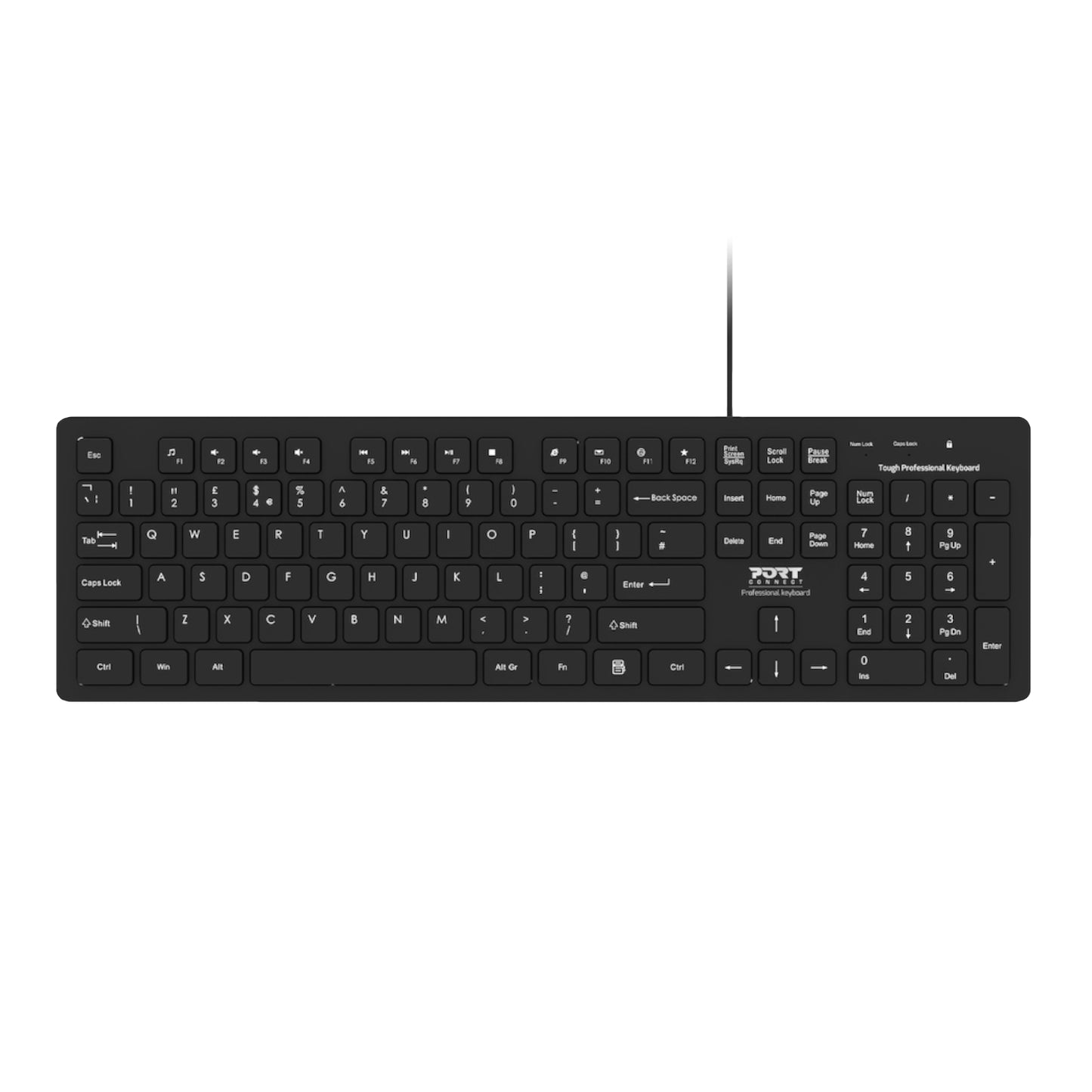
The Port Connect Tough Office Keyboard is an excellent choice for both laptops and desktops due to its durable and robust design. The rugged wired keyboard is equipped with dual USB-A and Type-C connectivity, providing extensive compatibility options.
The keyboard is designed with a full-sized layout, including 12 multimedia shortcut keys and a numeric keypad, to provide added versatility. Additionally, it is equipped with LED indicators for the digit lock, caps lock, and battery level. The Plug & Play installation feature enables you to become operational immediately upon plugging in, making it extremely user-friendly. The keyboard's USB connectivity ensures wide compatibility, enabling you to use it with Windows, MacOS, and Chrome OS.
FEATURES:
- Robust & long-lasting conception
- 104 comfortable and precise membrane keys
- USB-A & USB Type-C connectivity
- Compatible with Windows, MacOS & Chrome OS
- 12 multimedia shortcuts
- Anti-grip design with round & smooth lines
- LED indicators for num lock, caps lock & scroll lock
- 1.5 m USB cable
- Plug & Play setup
SPECIFICATIONS:
- Number of Keys: 104 keys keyboard
- Connectivity: USB
- Compatibility: Windows, MacOS & ChromeOS
- LED indicators: Num Lock / Caps Lock / Scroll Lock
- Electric current: 500 mA maximum
- Voltage: DC5V
- Wire Length: 1.5m
- Connectivity: Type-C
- Compatibility: Windows, Mac OS & Chrome OS
- Voltage: DC5V
- Electric Current: 500mA Max
- LED indicators: Num Lock / Caps Lock / Battery level
- Material: ABS + PCBA
- Product Dimensions: 43.2 x 12.7 x 2.5 cm
- Product Weight: 440g
WHAT'S IN THE BOX:
- Port Connect Tough Office USB Keyboard - Black x1
- USB-A to Type-C Converter x1
- User Manual x1